Radiophonia v0.8.1: Earn Badges While You Listen — Plus iOS Reliability and Catalogue Resilience
Published: 20 July 2026
v0.8.1 is the first release that turns passive listening into something you can collect. Every minute of playback, every station you save, every song you like now feeds into 27 achievement badges — pixel-art sprites that trigger a fullscreen confetti-and-chime celebration the moment you unlock them. Behind that shiny new surface, this release also fixes the iOS playback bug that bit anyone who backgrounded the app for more than three minutes, and adds a fallback catalogue so browse never goes dark when RadioBrowser has a bad day.
Earn Badges While You Listen
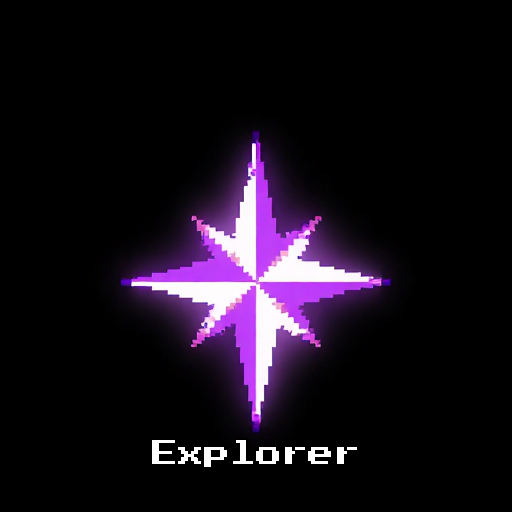
The headline feature is 27 achievement badges that unlock through normal app usage. There are no streaks to maintain, no daily check-ins to remember, no penalties for taking a break. Badges simply appear as you listen, explore, save, and engage with the app.
Badges are grouped into six categories:
- Time milestones — First Tune-In (your first 10 minutes), Hour of Power (1 hour), Double Digits (10 hours), Century (100 hours). The more you listen, the more you unlock.
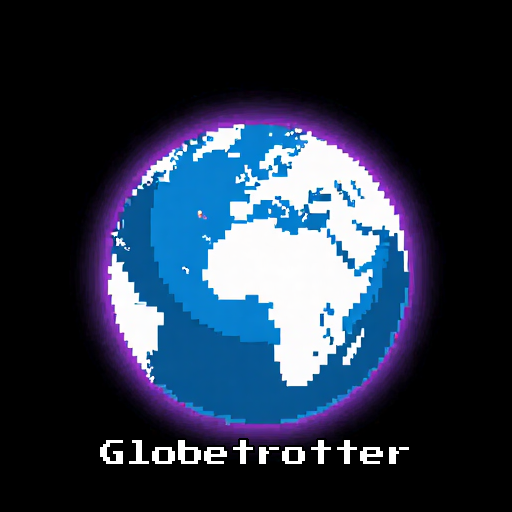
- Discovery — Explorer (10 stations played), Globetrotter (stations from 10 countries), Variety Pack (10 genres), Dedicated (return to one station 7 days in a row), Local Hero (listen to local stations).
- Engagement — History Buff (check song history on 10 stations), Social Butterfly (share 5 stations).
- Favourites — Collector (10 favourites), Curator (50), Archivist (100).
- Liked songs — First Crush (1 like) through Living Jukebox (1,000 likes), with milestones at 10, 50, 100, and 500.
- Premium features — Premium Supporter, Early Riser (set an alarm), Offline Explorer (use offline mode), Library Browser (open the library), Record Keeper (record a station).
Every badge is evaluated automatically in the background. Nothing extra to tap, no opt-in, no anxiety.
Arcade-Style Pixel Artwork
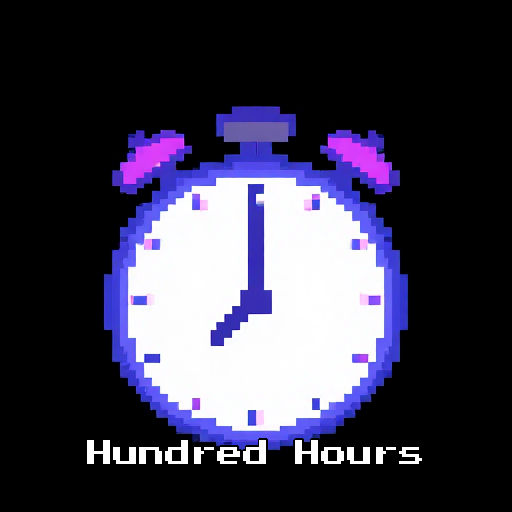
Every badge has unique pixel-art sprite artwork. Each one features a distinct neon icon on a black background with the badge name rendered in the Press Start 2P pixel font — the same typeface you remember from 80s arcade cabinets. The badge grid looks less like a checklist and more like a high-score screen.
Wherever a badge appears — in the celebration overlay, in Settings → Achievements, on the Discover screen — you see the proper sprite.
Fullscreen Celebration and Notification Toggle
When a badge unlocks, the whole screen gets involved. A brief flash in the badge’s own colour sweeps the display, then a centered card pops in with an elastic bounce — showing the badge artwork, title, and description. A 60-particle confetti burst rains down, an 8-bit arcade chime plays, and a triple-tap haptic pattern punctuates the moment. The whole celebration lasts four seconds before fading away.
Not into fanfare? Settings → Badges → “Show achievement notifications” turns the whole thing off. When disabled, the celebration overlay, sound, haptics, confetti, and the badge row on the Discover screen all disappear. Badges are still tracked silently in the background, so you can switch the toggle back later and find everything you earned while it was off.
Badges Screen and Discover Counter
A full Badges grid lives at Settings → Achievements, showing all 27 badges with their unlocked/locked state and unlock date. Locked badges are greyed out so you can see exactly what is left to chase.
On the Discover screen, a tappable row beneath the listening stats shows your overall progress: “7 / 27 badges unlocked”. Tap it to jump straight to the full grid.
iOS Playback After Extended Backgrounding
This one was a long-standing pain point. After backgrounding Radiophonia on iOS for three minutes or longer, AVPlayer’s localhost socket state was invalidated by the OS — every subsequent play attempt would fail with (-1004) Could not connect to the server until you force-quit and reopened the app.
v0.8.1 monitors app lifecycle via WidgetsBindingObserver. When you return to the foreground after a long background gap, Radiophonia recreates the AudioPlayer (a fresh AVPlayer instance) and the stream proxy from scratch. Playback just works again, no relaunch required.
Catalogue Fallback for RadioBrowser Outages
RadioBrowser is normally excellent, but it is a community-run service and occasionally its mirrors fall over. v0.8.1 now falls back to a static radiophonia.app snapshot of the catalogue for browse and search lists when all live mirrors are unreachable. The app also coalesces duplicate in-flight station requests and serves stale cached results during catalogue outages, so browse keeps working even when the directory is briefly unavailable.
This means badges like Globetrotter and Variety Pack are still earnable even when the wider RadioBrowser cluster is having a bad day.
UI Polish
Two layout improvements shipped in this release:
- Compact landscape navigation — the bottom navigation bar drops to 56px tall when you rotate to landscape, with labels shown only for the selected tab. That reclaims meaningful vertical space for the Now Playing screen on phones.
- Reduced top padding in Now Playing — the
SafeAreatop inset has been removed so the song history panel has more room to breathe when the Now Playing sheet is open.
Security and Dependency Upgrades
Every Node and Flutter dependency has been bumped to the latest stable version, closing transitive vulnerabilities in the supply chain — including an RCE/DoS in serialize-javascript (via mocha 10 → 11), a DoS in diff (via sinon 19 → 22), and updates across the Firebase suite, file_picker, share_plus, sign_in_with_apple, and other packages.
The Windows MSIX and portable executable are now signed via Microsoft’s official Azure Trusted Signing action, replacing a brittle manual signtool + dlib pipeline that was failing silently under the runner’s service account.
Start Unlocking
The full badge grid is waiting in Settings → Achievements. Most users will unlock their first three or four badges within a single listening session — First Tune-In, Explorer, Collector, and First Crush all come quickly.
Download Radiophonia v0.8.1 free for Android, Windows, macOS, and Linux.